
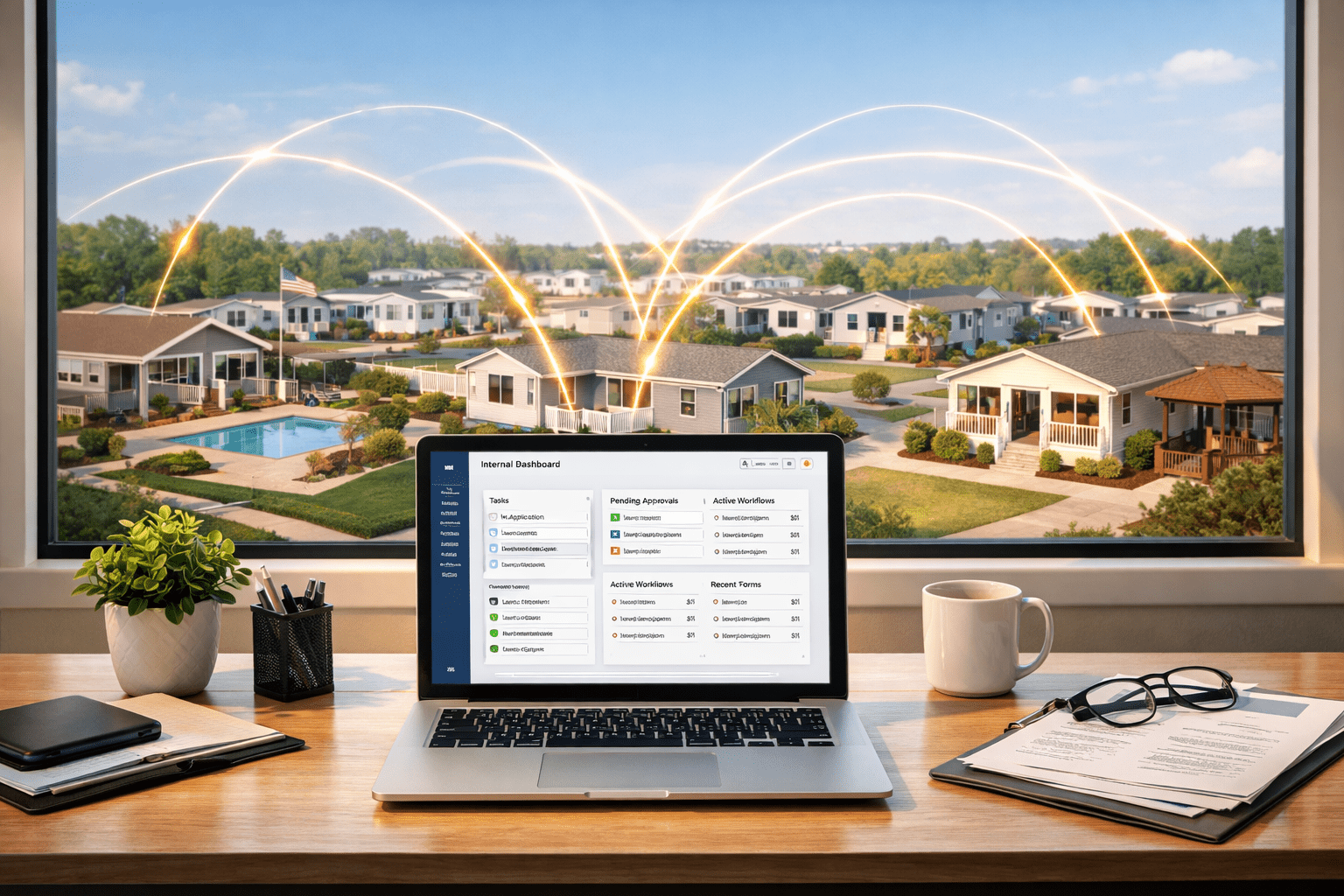
We spent an incredible week at the Manufactured Housing Institute’s Congress and Expo in Las Vegas. In between keynotes, coffee breaks, and hanging out at the booth, we noticed a common trend that kept coming up over and over again in our conversations:
Teams have the software to get the job done, but the software they have doesn’t match how they actually work. So, teams fill the gaps the only way they can: manual workarounds, constant follow-ups, and a whole lot of “just checking on this again”.
That’s where internal tools come in. We’re not talking about big, expensive systems with month-long implementations. We’re talking about tools you build yourself for the way your team actually works.
In this guide, we’re going to walk you through what internal tools really are, why they matter so much in manufactured housing, and a few simple ones you can start building today.
All it takes is vibe coding.
What is Vibe Coding?
Vibe coding may sound like a buzzword, but it’s actually a really simple idea that’s changing how teams build tools.
Instead of hiring a developer or learning how to code, vibe coding lets you describe exactly what you need in plain language and use AI to help you build it. This could be a form, a workflow, a simple dashboard, or a lightweight internal tool your team can actually use day-to-day.
For manufactured housing operators, this matters more than you might think. Most software in this space is built to be pretty broad and flexible, not tailored to how your communities actually run. Vibe coding flips that by giving you a way to build small, purposeful tools around your actual workflows.
It’s important to say, however, that just because something is easy to build doesn’t mean it’s ready to scale with you. If you start simple and focus on solving real problems, vibe coding can be a powerful tool to help you build systems that work the way your team does.
What “Internal Tools” Actually Means
When people hear “build your own tools”, their minds usually go straight to custom software = long timelines = a lot of budget just to get their idea off the ground.
That’s not what we’re talking about here.
Internal tools are simple systems that your team uses behind the scenes to keep operations running smoothly. These are not customer-facing apps and not full platform replacements. Think of them as practical tools that solve day-to-day problems.
Instead of rebuilding your entire tech stack, you’re creating small, focused solutions. Some great examples are:
- A centralized leasing intake form
- A shared contact directory
- A simple tool to track maintenance requests across communities
We’ll go deeper into this in the next section.
Most operational issues don’t come from a lack of software; they come from the gaps between systems where information gets lost, delayed, or handled differently depending on the location or the person.
Internal tools help you close those gaps by giving your team a consistent way to work without forcing them into a system that doesn’t quite fit.
Now for the fun stuff.
3 Simple Internal Tools You Can Build Without Coding
Most teams don’t need more software; they need a better way to connect what they already have in place. This starts with a few simple tools that aren’t overly complicated or overbuilt.
Think of them as practical solutions to everyday problems.
A centralized contact and call routing tool: When you’re managing multiple communities, it’s not always clear who handles what. Calls get transferred, messages get missed, and things fall through the cracks pretty quickly. A simple, shared directory that clearly maps communities to the right contacts can clean that up immediately.
Standardized leasing and inquiry intake form: Instead of leads coming in through different channels with different levels of information, you can create one consistent way to capture and route them.
A basic maintenance request tracker: This isn’t a full system replacement; it’s just a simple way to log, track, and view requests across locations. Think of it as something that can give you visibility into what’s open, what’s in progress, and what’s been completed.
Individually, these tools may not seem like much, but together, they solve some of the most common operational gaps teams deal with every day.
How to Get Started (the easy way)
This is the part where people get overwhelmed and drop the project altogether. The ideas come, but when it’s time to actually map out a strategy, the ball drops and rolls far, far away to gather dust in a forgotten corner.
Well, hold onto that ball because you really don’t need anything complicated to get started. Let’s break it down for you.
AI Ideation: There are a handful of tools that make it easy to start building simple internal workflows without a technical background. AI tools like ChatGPT can help you map out what exactly your tool should do and help you structure the logic behind it.
Lovable: From there, sign up for a Lovable account so that you can turn your idea into something usable. Once you have your account, simply enter your prompt and start building.
Prompts: This is another area that can easily be overthought until you’re overwhelmed. Luckily, the best starting point is to simply tell Lovable exactly what you want to build. Write something like “Build a leasing and inquiry intake form”, and update the fields to exactly what you want. It really is as simple as telling Lovable what to do.
Start with a tool that’s relatively simple so that you can continuously revisit and refine it over time.
This is exactly how most teams get started, and as you get the hang of it, Lovable becomes easier, and your projects can become more complex.
There is a caveat, however (all fun things come with a caveat).
I Vibe-Coded a Tool. Now What?
We need to stress this: Just because you built a tool that looks great and works on the front-end does not mean that it’s ready to ship.
Once your team starts using it, issues can start creeping up pretty quickly. Here are some things you absolutely need to consider before actually using the tool.
Security: If your tool is collecting any kind of data, you need to know where that data is being stored, who can access it, and what’s exposed. What feels like a simple form can quickly become a risk if it’s not set up correctly.
Ownership: Every tool needs someone to be responsible for it. Otherwise, when something breaks or needs updating, it just…well, won’t get done.
Reliability: What happens if the tool you built stops working? If people rely on it day to day, you need to be sure it’s going to hold up over time.
Scalability: Something that works for one community doesn’t always work across ten. More users and more locations introduce complexity, fast.
If you want to read more about the back-end of vibe coding, check out this blog.
Turning Simple Tools Into Systems You Can Rely On
At this point, you’ve probably realized something. Building internal tools isn’t the hard part anymore.
The real challenge is making sure they actually hold up.
In this guide, we’ve talked about the gaps most manufactured housing teams are dealing with like disconnected systems, inconsistent processes, and the day-to-day friction that comes from trying to make software fit how you actually work.
We’ve also shown how simple tools can start to fix that. Small, focused solutions that bring structure and consistency back into your operations. But once those tools become part of your workflow, they stop being “just a quick fix.” They become something your team depends on.
That’s where we come in.
At Network Thinking Solutions, we help teams take those ideas and turn them into something secure, reliable, and scalable. From locking down access and protecting sensitive data, to building out the infrastructure that keeps everything running smoothly across multiple communities. So, in the end, you’re not just building tools that work today; you’re building systems that hold up long-term.
If you have a process that feels clunky or held together by workarounds, we can help you map it out, build it, and make sure it’s something your team can actually rely on. Contact us to see how.