
You know phishing emails are evolving when it doesn’t even ask you to click a link anymore.
Lately, we’ve been seeing a wave of emails that look like they’re coming from QuickBooks, referencing things like an “Employee Handbook,” updated policies, or a compliance review.
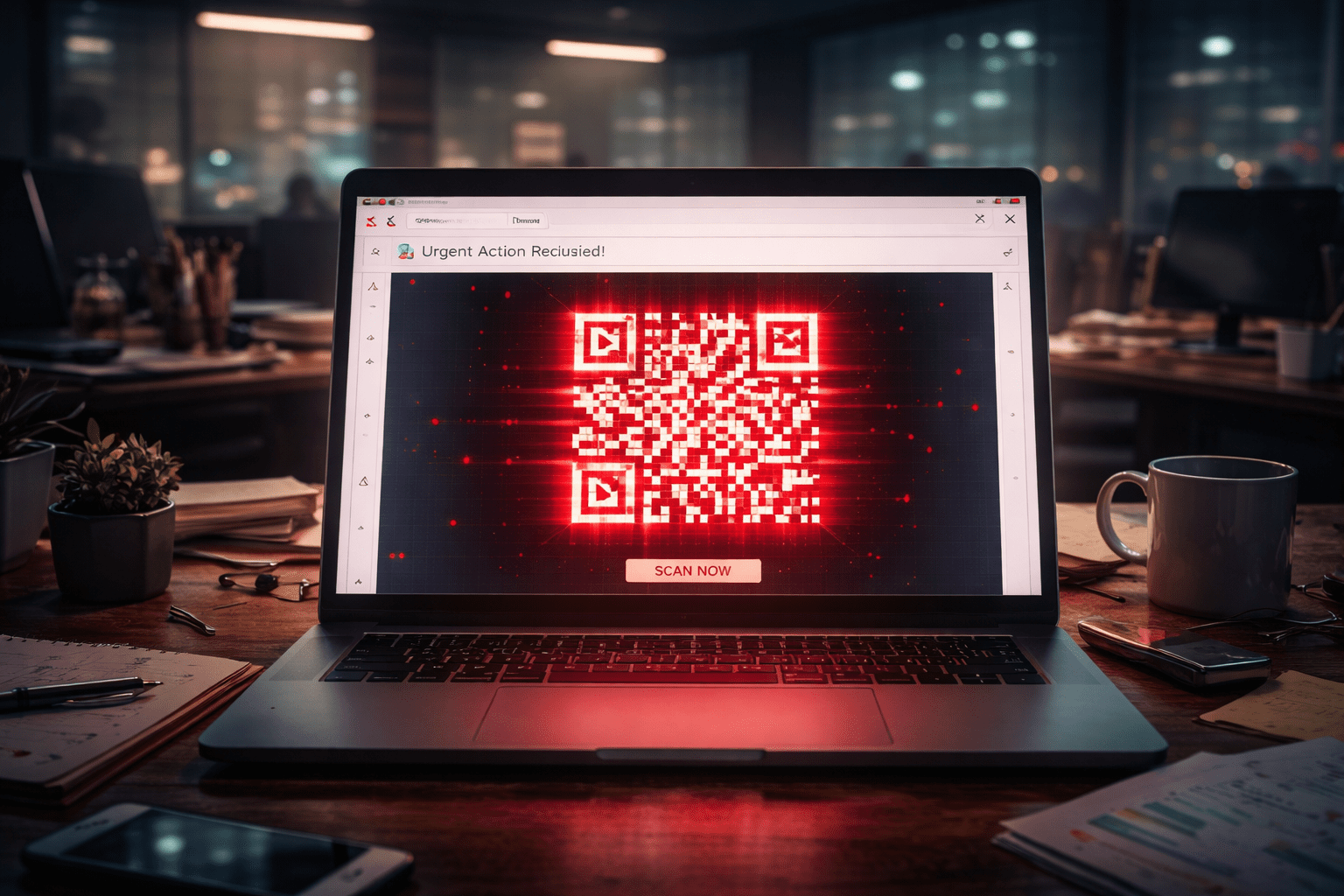
There is no attachment and there are no obvious red flags. Just a QR code and a polite instruction to scan it to view the document.
On the surface, it feels routine enough to fly under the radar. HR updates happen all the time, and compliance reviews happen, too. QuickBooks sends emails more than once a week, so nothing about this sets the alarm bells ringing. That’s exactly why this style of phishing works so well.
But once that QR code is scanned, the attack moves fast, and the damage doesn’t stop at one login.
In this blog, we’re going to break down what this scam looks like, why it’s effective, and how it ends with Microsoft 365 credentials in the wrong hands.
What the Scam Looks Like (User-Facing)
The first thing to understand about these phishing emails is that they appear to come directly from Quickbooks. Unless you know about this scam already, it would be an honest mistake to assume that it’s a legitimate request.
Especially considering that these emails are coming from quickbooks@notifications.intuit.com.
The subject lines typically reference:
- “Employee Handbook”
- “Updated Policies”
- “Compliance Review”
The email will instruct users to scan a QR code to view or sign the document. There’s no attachment. Just a QR code embedded directly in the email.
And the email looks totally legitimate, even coming from an Intuit domain. It looks like the kind of routine administrative communication most employees see every week. There’s nothing flashy about it, which is exactly why it works. It blends in with normal business traffic.
It asks for something simple: scan the code and move on with your day.
Why is this so effective?
QR codes bypass traditional email security inspection.
Secure email gateways can scan links, but QR codes hide the URL inside an image. Many security filters do not decode and analyze QR images deeply. From a technical standpoint, that makes this a very clever delivery method.
But the techy angle is only half of it.
Users trust QuickBooks emails. It’s a familiar sender in a lot of businesses, especially for finance and HR teams. When something appears to come from a known platform, people don’t scrutinize it the same way they would a random, unknown address.
Users also trust QR codes. Over the last few years, QR codes have become shorthand for convenience, especially post-COVID. Restaurant menus, MFA prompts, event check-ins. They feel modern and frictionless. Just scan and go, right?
That’s the final move that makes this effective. Scanning shifts the interaction from a monitored corporate workstation to a personal mobile device, usually outside company protections. The moment the code is scanned, the attack steps outside the environment where most of your security controls are watching.
What happens after the QR code is scanned?
The QR code directs the user to a phishing site.
That site impersonates a Microsoft 365 login page. It looks familiar, clean, and professional. Nothing is obviously broken or suspicious.
The victim is then prompted to sign in with their Microsoft 365 credentials. This is where the damage happens. The attacker captures the username, password, MFA tokens, and session cookies, which becomes much bigger than just stolen credentials.
From the attacker’s perspective, they don’t need to guess, and they don’t need to brute force anything. They’re handed working credentials and the pieces required to operate as that user.
What started as a simple QR scan turns into full visibility into email, files, and anything else tied to that Microsoft 365 account.
Why You Should Care
It’s easy to look at something like this and think, “Okay, one person entered their credentials. Why should I care?”
Well, because it rarely stops at one login.
Once an attacker has access to a Microsoft 365 account, they’re inside your environment as a legitimate user. They can read email threads, learn how your business communicates, and see how money and approvals move. From there, it’s not hard to pivot.
This is where business email compromise starts. Payment instructions get altered, vendors get impersonated, internal messages get sent from trusted accounts…etc.
Because the activity is happening from a real login, it doesn’t always trigger obvious alarms right away.
The damage isn’t caused by the QR code itself, it’s caused by what that access allows someone to do once they’re in.
How to Train Your Employees
The simplest protection here is behavioral.
Employees should not scan QR codes in unexpected emails, especially when the message is asking them to review or sign something tied to policies or compliance. If it’s legitimate, it can be verified directly through the known platform or by contacting the sender through a separate, trusted channel.
It’s also important to reinforce that Microsoft 365 credentials should never be entered after scanning a QR code from an email. That extra step matters. Once credentials are typed into a fake login page, the damage is already in motion.
Encourage employees to report suspicious emails instead of just deleting them. Early reporting gives IT a chance to warn others and reduce the blast radius. These scams usually hit multiple inboxes at once.
Tell your employees that one of the most important things they can do is pause. This type of attack relies on routine and speed. It counts on someone thinking, “I’ll do this fast so I can get back to work.”
Slowing down long enough to question an unexpected request can stop the entire sequence before it starts.
How We Help Prevent This From Turning Into a Breach
Scams like this aren’t going away. They’re evolving.
The goal isn’t to rely on one tool to block everything. It’s to reduce the chances that a single click or scan turns into a full account compromise.
At NTS, we approach this from multiple angles. Strong email filtering to reduce exposure, identity monitoring to flag unusual sign-ins, endpoint protection to detect suspicious behavior, and practical user education that reflects the tactics attackers are actually using right now, not last year.
When those layers work together, a stolen credential doesn’t automatically become a business-wide problem.
If your team has seen emails like this, or you’re unsure how exposed your Microsoft 365 environment might be, let’s talk. A quick review now is a lot easier than cleaning up access after the fact.