
Microsoft is woven into the background of most businesses. Email, files, calendars, Teams, documents getting shared back and forth all day long. It’s not something people stop to think about. It’s just there, doing its job.
That level of familiarity creates a lot of trust. When something looks like a normal Microsoft step, most people don’t hesitate. They just assume it’s part of the system doing what it always does.
That’s exactly where the problem starts.
There’s a phishing technique showing up a lot more often that exploits a legitimate Microsoft login process. Nothing looks out of place, nothing feels rushed or suspicious. It blends in with the dozens of small prompts people already respond to every week.
But what’s happening behind the scenes is very different.
In this blog, we’re going to dive into exactly what this attack is, what this attack actually looks like in practice, why it’s been so effective, and why Microsoft-heavy environments are especially attractive targets right now.
We’re not trying to scare anyone; we just want to make sure this isn’t something you only learn about after the damage is done.
Understanding this phishing attack
Microsoft has a legitimate login process called device authorization. If your company is Microsoft-heavy, then you know exactly what this process looks like.
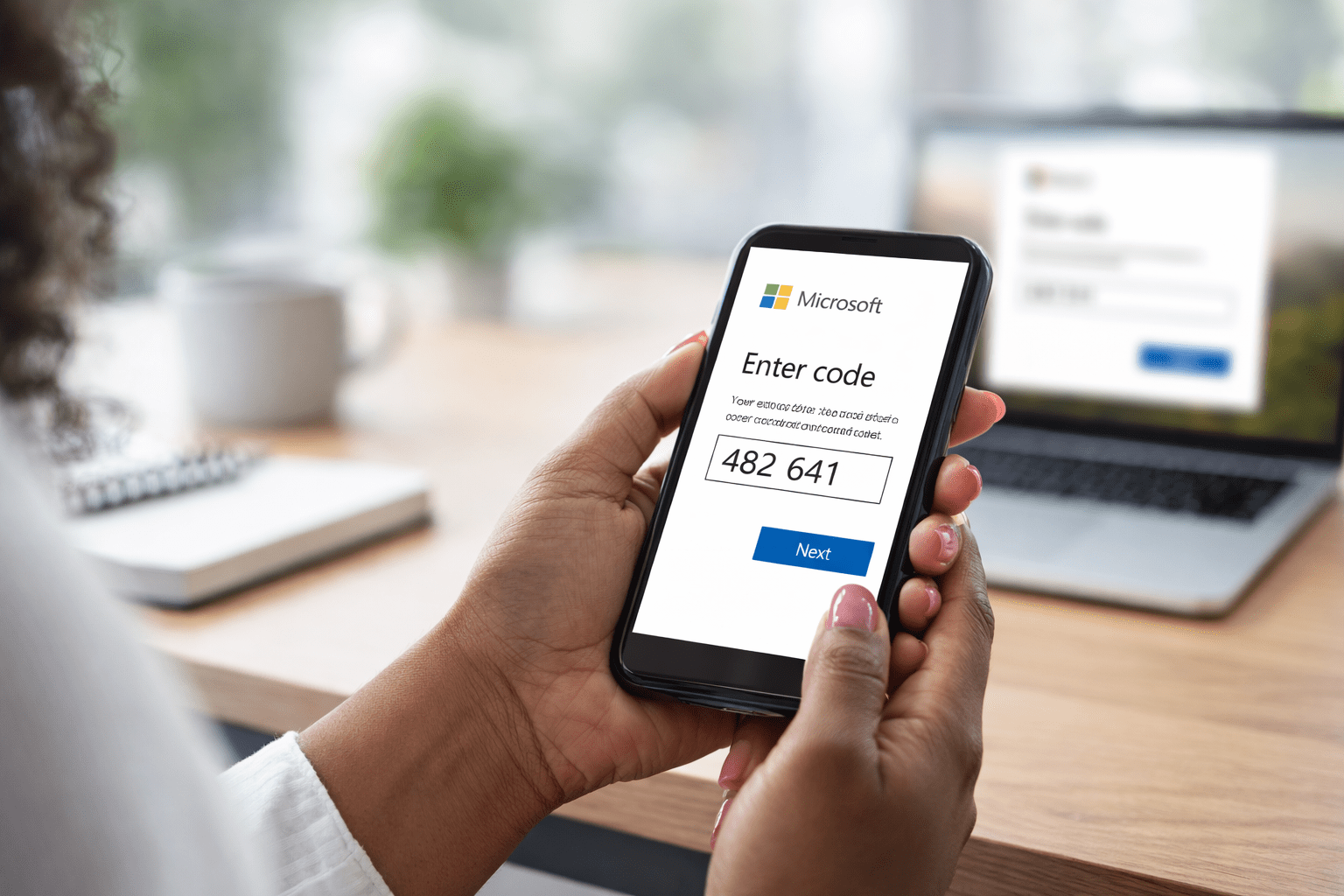
It’s designed for situations where signing in normally isn’t convenient, like logging into an app on a TV or another device without a keyboard. Instead of typing a password, the user is given a short code and told to enter it on a Microsoft verification page.
That part of the process is real, and it exists for a reason.
The issue is how this process is being repurposed.
In these attacks, users are guided into starting that device authorization flow without realizing it. They’re told to enter a code on a Microsoft page to finish verifying access, view a file, or complete a security step. When they do, they’re not just confirming their identity; they’re approving access for an application or session controlled by someone else. There’s no fake Microsoft page involved. The login happens on Microsoft’s actual site, which is what makes this so effective and so easy to miss.
Once the code is entered and approved, access is granted quietly in the background. Email, files, and account data can be accessed without the attacker ever needing a password or triggering a traditional login alert.
From the user’s point of view, they followed instructions and went back to work.
From the organization’s point of view, an account has just been opened up in a way most people don’t expect or monitor closely.
That gap between what users think they’re doing and what’s actually being approved is where the risk lives.
The impact shows up later, when data has already been accessed or when activity starts to look strange. By then, it’s hard to connect the dots back to a quick interaction that felt harmless at the time.
Why Microsoft accounts are a popular target
Microsoft sits at the center of how most businesses function. It’s where work starts, where it moves, and where it gets stored. Over time, it becomes the connective tissue between people, systems, and information, whether anyone is consciously thinking about it or not.
Because of that, access to a Microsoft account isn’t just access to email because it gives visibility into how a business operates, how decisions get made, and what activity looks normal on a day-to-day basis.
That kind of visibility makes it easier to blend in and harder for unusual behavior to stand out right away.
There’s also a level of consistency across Microsoft environments that works in an attacker’s favor. Once someone understands how these accounts behave and how permissions, apps, and sessions are handled, that understanding transfers easily from one organization to another.
And then there’s trust. Microsoft tools are familiar. People interact with them constantly, so actions that happen inside that ecosystem don’t raise the same internal alarms. They feel routine, expected, and safe, because most of the time they are.
That combination makes Microsoft accounts very valuable targets.
A realistic example of how this happens
Picture a property manager at a manufactured housing company. She spends most of her day inside Microsoft 365, juggling tenant communication, internal approvals, and documents that need quick turnaround. Late in the afternoon, she gets a message about a tenant request that needs review before end of day.
It looks routine. The message says a document was shared related to a lease addendum or maintenance dispute. There’s a QR code included to “view the document securely.” That doesn’t feel strange at all. Vendors and platforms send QR codes all the time now, especially for mobile access.
She scans it.
The link opens a clean-looking page that matches the company branding she’s used to seeing. It tells her there’s one last step required to access the document. She’s shown a short code and instructed to go to Microsoft’s device login page to finish verification.
She follows the instructions and lands on a real Microsoft URL. Nothing looks off so she enters the code, signs in, and gets pulled back into her day. From her perspective, she completed a security step and moved on.
What she doesn’t see is that the device authorization process wasn’t started by Microsoft on her behalf. It was initiated elsewhere. By entering that code, she approved access for a session she didn’t create, tied to her Microsoft account.
There’s no immediate fallout. Nothing signals that anything needs attention. The approval happened quietly, inside a workflow she trusted, during a moment where speed mattered more than scrutiny.
That’s how this slips through. Not because someone ignored training, but because the interaction looked like one of dozens of small, administrative steps that happen every week.
What actually helps reduce the risk?
The fix for this phishing attack isn’t more warnings or longer security training. People are still going to move quickly, especially when something looks routine and time-sensitive.
The real protection comes from tightening what’s allowed to happen behind the scenes.
In Microsoft environments, that starts with looking at how device authorization and app approvals are handled. Many organizations allow these flows by default because they support legitimate use cases. Over time, those settings stay in place simply because no one has had a reason to revisit them.
Restricting or limiting device code authentication where it isn’t needed closes off this path entirely. In environments where it does need to exist, narrowing who can use it and under what conditions makes a huge difference.
The goal here is to remove blanket approval paths and replace them with intent and visibility.
It also helps to pay attention to application permissions. If users can approve access without anyone else ever seeing or reviewing it, that’s a gap worth closing. Logging and alerts around new app authorizations give teams a chance to catch issues early, instead of finding out after access has already been abused.
None of this requires blaming users or slowing work to a crawl. You’re just shaping the environment so a single routine action can’t quietly open the door to something much bigger.
When those guardrails are in place, familiar workflows stay familiar, but the risk behind them drops.
The easiest next steps
If this post made you pause, that’s a good thing.
Most businesses don’t realize how device authorization, app approvals, and access flows are configured inside their Microsoft environment because those settings tend to live quietly in the background.
They get set once and rarely revisited, even as the way people work and the way attacks happen change.
This is exactly the kind of issue that’s easier to review calmly than to untangle later.
If you’d like a second set of eyes on your Microsoft setup, we offer a complimentary Microsoft security review that looks specifically at access paths like this. You’ll get a clear view of what’s enabled, what’s exposed, and what’s worth tightening based on how your team actually works.
If everything looks solid, you’ll have confirmation. If there are gaps, you’ll know where they are and what to do next.
Either way, clarity beats surprises.
Contact us to schedule your complimentary check before Q1 gets too busy.