
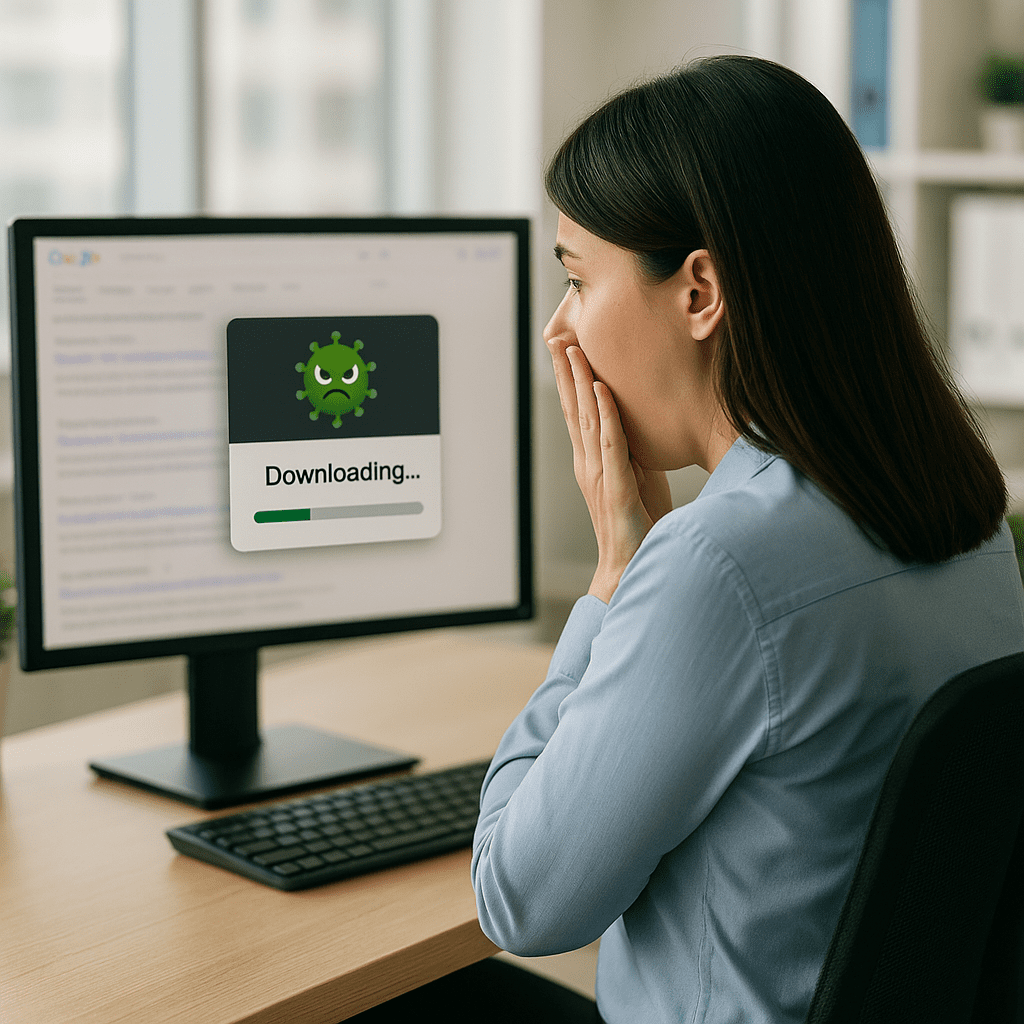
She just wanted to print a W-9.That’s it.
No suspicious link, no weird email, no red flags. Just a normal Tuesday morning task.
She Googled “blank W-9 form,” clicked the first result at the top of the page (the one that looked official because it was in the ‘sponsored’ section) and instead of opening a simple PDF, her computer tried to install a full-blown remote management agent.
To be clear, she was downloading a program. Not a document, not a form. A program.
If Zero Trust hadn’t stepped in, that one innocent click could have opened the door to a complete system compromise.
This is the cybersecurity reality heading into 2026: Malicious Google results are quickly becoming a major attack vector for businesses, and they’re really convincing. Your employees don’t have to fall for phishing emails or suspicious pop-ups anymore. All they have to do is search for something routine like a simple tax form, a shipping label, or a software update and click the wrong “Ad” result.
One click leads to a download which could lead to a breach.
This is exactly why Zero Trust isn’t just a buzzword; it’s your last line of defense when humans inevitably do what humans do.
In this blog, we’re going to explore the very true story of the incident, see why malicious Google results are skyrocketing, and show how Zero Trust shuts it all down in seconds.
What happened?
Here’s the simple version of a not-so-simple problem.
A user tried to download what she thought was a blank W-9 form. Instead of a PDF, her computer attempted to run an .msi installer which is something that should never happen when you’re just trying to print a tax form.
ThreatLocker immediately stepped in and blocked the execution request, which is what triggered the alert. Once we inspected the file, it became clear: this wasn’t a document at all. It was a full remote management agent disguised as a form download.
That distinction really matters.
Remote management tools (RMMs) are legitimate software used by IT teams, but they’re also one of the most common tools abused by ransomware operators. Why is this so dangerous? Because a fake or repackaged RMM installer can give attackers everything they need to breach your business: remote access, privilege escalation, script execution, and the ability to drop additional payloads, completely undetected until the damage is done.
The scariest part is that nothing about this attempt looked unusual to the user. No sketchy email, no suspicious pop-up, just a quick Google search and a click on what appeared to be the right link.
This wasn’t a “careless employee” moment; this is the kind of thing that can happen to anyone, at any business, on any given day.
Without Zero Trust controls in place, this kind of mistake is usually all it takes to open the door to a serious breach.
The rise of malicious Google results (Malvertising 101)
For years, businesses were trained to look out for suspicious emails. But in 2026, one of the fastest-growing threats isn’t arriving through the inbox at all; it’s coming from the top of your Google search results.
This tactic is called malvertising, and it’s exactly what it sounds like: attackers purchasing legitimate ad space on Google, then using it to distribute malicious downloads. These ads look identical to the real thing. Same branding, same wording, same keywords. The only difference is what happens after you click.
Cybercriminals target searches for everyday business tasks because they know users are moving fast and not thinking “security” when they just need a simple form or tool. Some of the most commonly hijacked queries include:
- W-9 and 1099 tax forms
- USPS and UPS label generators
- QuickBooks downloads
- Popular PDF tools
- Software updates
Once a user clicks a malicious ad, they’re typically prompted to download something that appears legitimate, but the file is often an installer packed with malware, credential harvesters, or, increasingly, remote management agents repurposed for unauthorized access.
This shift is alarming for one reason: employees trust Google.
When a link sits at the very top of the results page with a familiar logo and clean landing page, it doesn’t register as a potential threat. Attackers know this, and they’re exploiting that trust at scale.
You don’t need to fall for a phishing email to get compromised anymore. Sometimes all it takes is searching for something routine and clicking the wrong result.
“Malicious actors often reskin or directly use legitimate software that appears benign to bypass reputation scanners,” says A, our resident cybersecurity expert at Network Thinking Solutions.
“We have also seen a similar campaign using payloads via LOTL attacks.This is when hackers use the legitimate tools already built into your computer to run their malware, making the attack much harder to detect.”
Why is this so dangerous for your business?
In most cyber incidents, the real damage doesn’t come from the initial click; it comes from what the attacker is able to do after that click. This is where fake installers, especially repurposed RMM tools, become a serious threat to any organization.
When an unauthorized remote management agent installs successfully, it effectively hands over the digital keys to your business. Attackers can use it to:
- Gain full remote access to the device
- Run commands and scripts as if they were the user
- Deploy additional malware or ransomware
- Move laterally across the network into servers or shared drives
- Harvest credentials for email, banking, Microsoft 365, or VPN
- Create persistent footholds that remain even after a reboot
This is exactly why ransomware groups have increasingly adopted RMM impersonation as part of their toolkit. It’s quiet, it’s effective, and most endpoint security tools see these installers as “legitimate software” unless Zero Trust controls are in place to verify them.
What makes this attack particularly dangerous is how incredibly ordinary it feels. There’s no phishing email with spelling errors, no strange link from an unknown sender, absolutely nothing to tip off the user that anything is wrong until the installer starts installing.
That’s why malvertising-based attacks are rising so quickly. They slip into the natural flow of how employees work every day. And for businesses, that means the risk is no longer limited to “someone clicked a bad email.”
The risk is built into the basic tools your team uses to get their jobs done.
Without Zero Trust in place, it only takes one of those moments for an attacker to get in.
How Zero Trust stops these attacks cold
This incident is a perfect example of why Zero Trust matters. Not as a buzzword, but as an active, critical layer of protection that steps in when humans inevitably make honest mistakes.
When the user clicked that malicious Google result, there was no way for her to know she wasn’t downloading a real W-9 form. But because the organization uses application control and Zero Trust principles, the moment the file attempted to run, ThreatLocker blocked the request automatically.
Zero Trust works on one simple rule: Nothing runs unless it’s explicitly allowed.
So instead of the installer silently gaining access to the device, the execution request was stopped, logged, and flagged for review. That single enforcement point prevented:
- The installation of an unauthorized RMM agent
- Remote access from an attacker
- Potential lateral movement across the network
- Malware or ransomware deployment
- Credential theft or data loss
It also triggered instant visibility for IT giving us the chance to investigate, confirm what the user clicked, and ensure the system hadn’t been compromised in another way.
In other words, Zero Trust turned what could have been a breach into a harmless moment. It didn’t stop a “cyberattack genius,” it didn’t stop a negligent employee. It stopped a totally normal person doing a totally normal task.
That’s exactly the point.
Zero Trust isn’t there because people are careless. It’s there because people are busy. In 2026, one rushed click is all an attacker needs, unless something is standing in their way.
This is exactly why you need a managed cybersecurity provider
Incidents like this don’t feel dramatic. They start with a normal task like downloading a form, grabbing a label, updating software, and end with a blocked threat you may never even notice.
But behind the scenes, Network Thinking Solutions and our partners at ThreatLocker are validating the file, tracing the click, confirming nothing else executed, and making sure the threat dies exactly where it began.
That’s the part most businesses miss: Zero Trust only works when someone is actively managing it.
Tools stop the attack, but experts figure out why it happened, whether anything else is exposed, and where your environment needs tightening. They also show you where you’re overspending on the wrong security products and underinvesting where it actually counts.
If you’re not sure your business would’ve caught this (or what it would’ve cost if you didn’t), let’s fix that.
Schedule a free cybersecurity assessment with us, and get a clear view of your strengths, gaps, and next steps ahead of 2026. Contact us to schedule it today!